Support (ENG)
We have a designated support team to take care of specific questions regarding our Smartfit devices and software. To make sure you get the fastest answer, follow this short guideline
Contact us
Describe your problem
Please be as precise as possible when describing your problem.
- What exactly happened / is wrong? (send a screenshot if possible)
- Which device are you using? (i.e. Q2 camera system, Q4/5 laser system)
- Send us the hardware ID. You find this on a grey sticker placed on the platform.
Using the AnyDesk support tool
If you require remote support, you will need to install our support app. Here are the steps you need to follow:
|
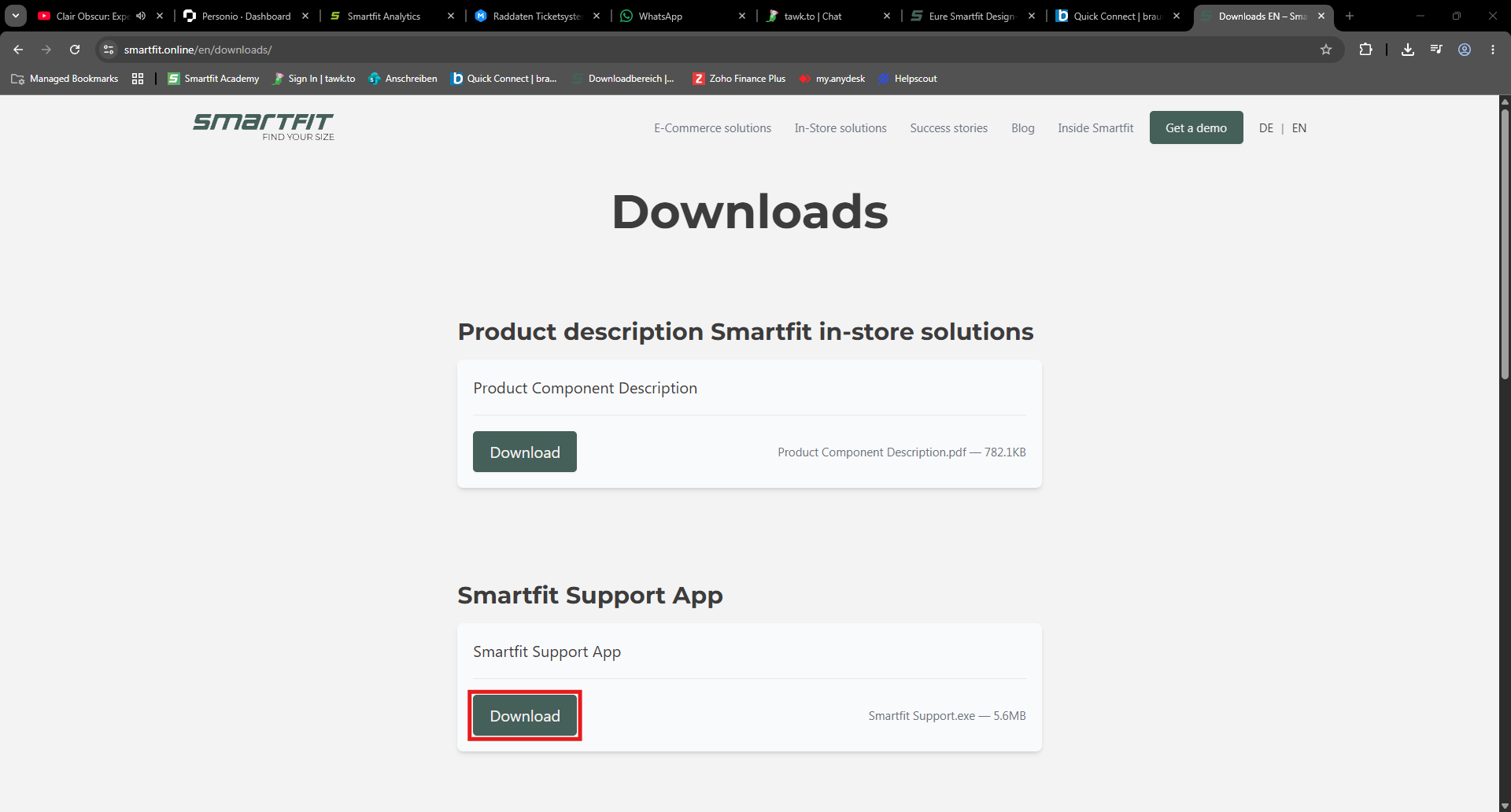
Download the support App via our website. You can directly download the support app via this button. Alternatively, you can navigate to our dowonloads section and download it yourself. |
|
|
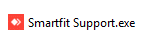
Run the downloaded file, Smartfit Support.exe |
|
|
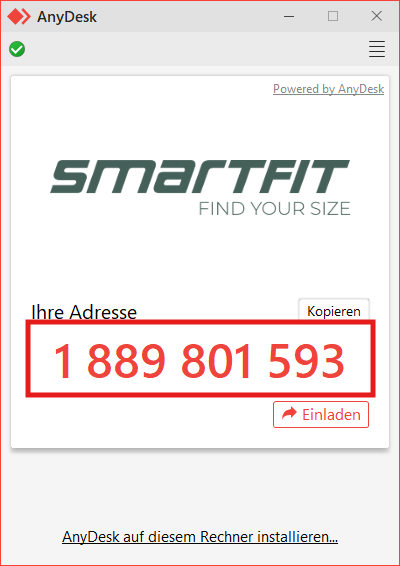
Once opened, AnyDesk will display your address. This is the number we need to remotely connect to your device. |
|
|
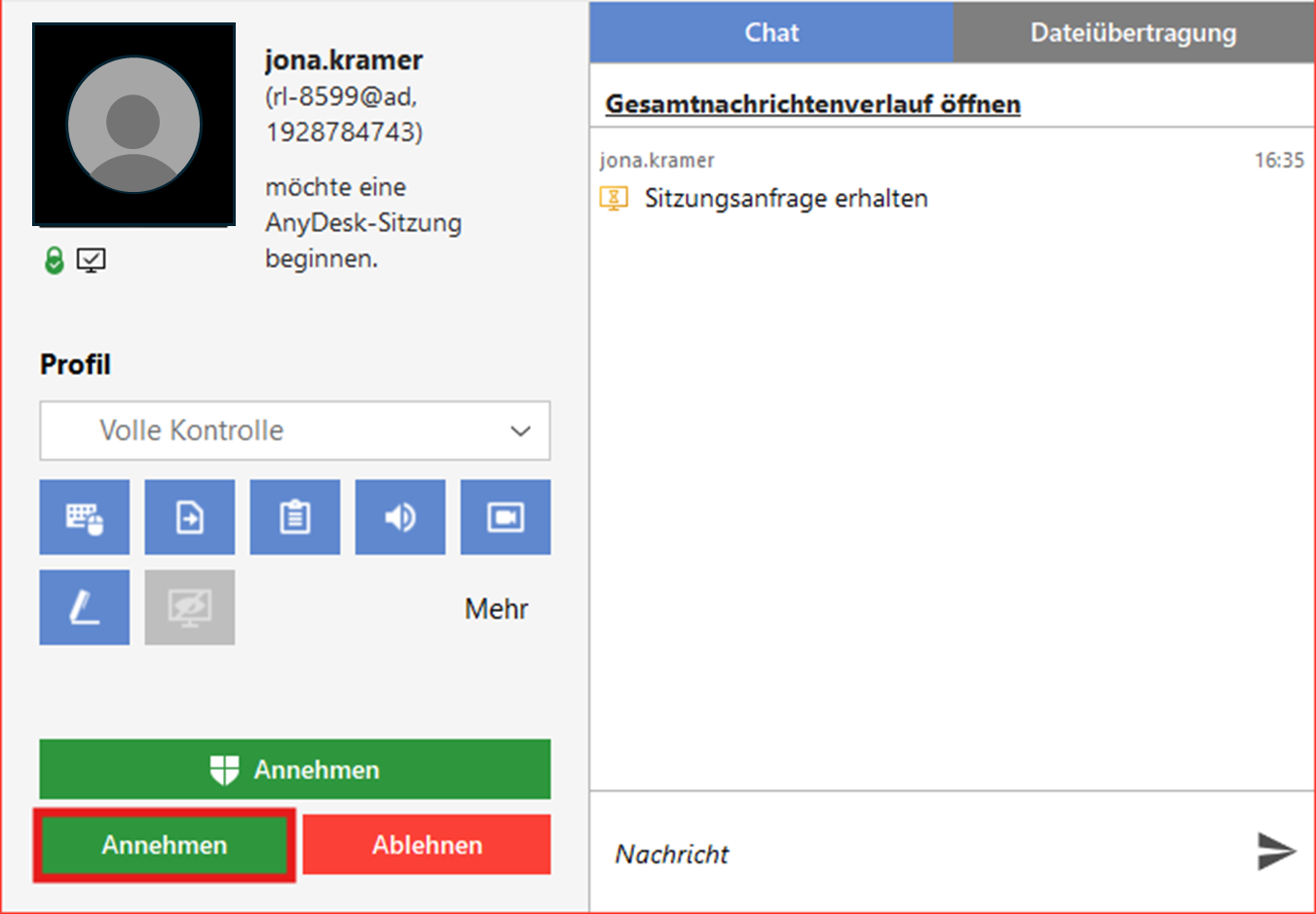
Once we know your address, we will send a connection request. Please press Confirm when you receive this connection request. |
|